
Bring your music
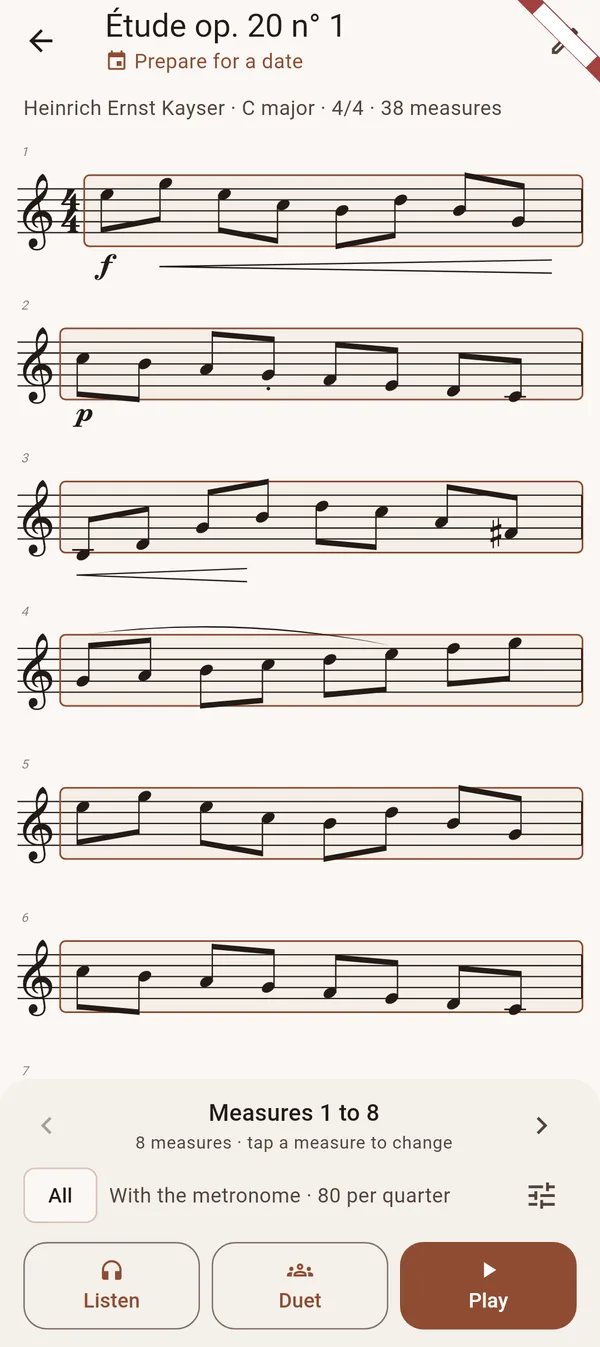
Export your piece from MuseScore, or any notation app, as MusicXML and open it in Avilo. The studies and pieces of the app are there too, from Kayser and Wohlfahrt to Bach and Vivaldi.
Four ways to play it
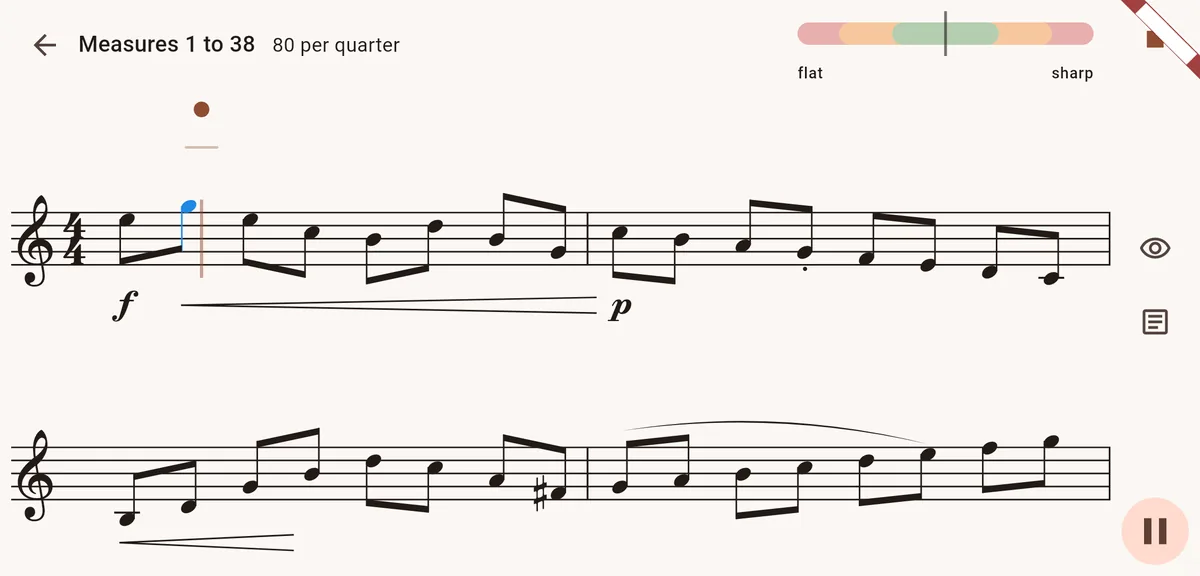
- With the metronome, at a tempo that climbs little by little
- Waited for: Avilo waits until you play each note, so you can learn the piece slowly
- Followed: you set the tempo, Avilo follows
- In duet: Avilo plays the passage with you
The bars that are not ready
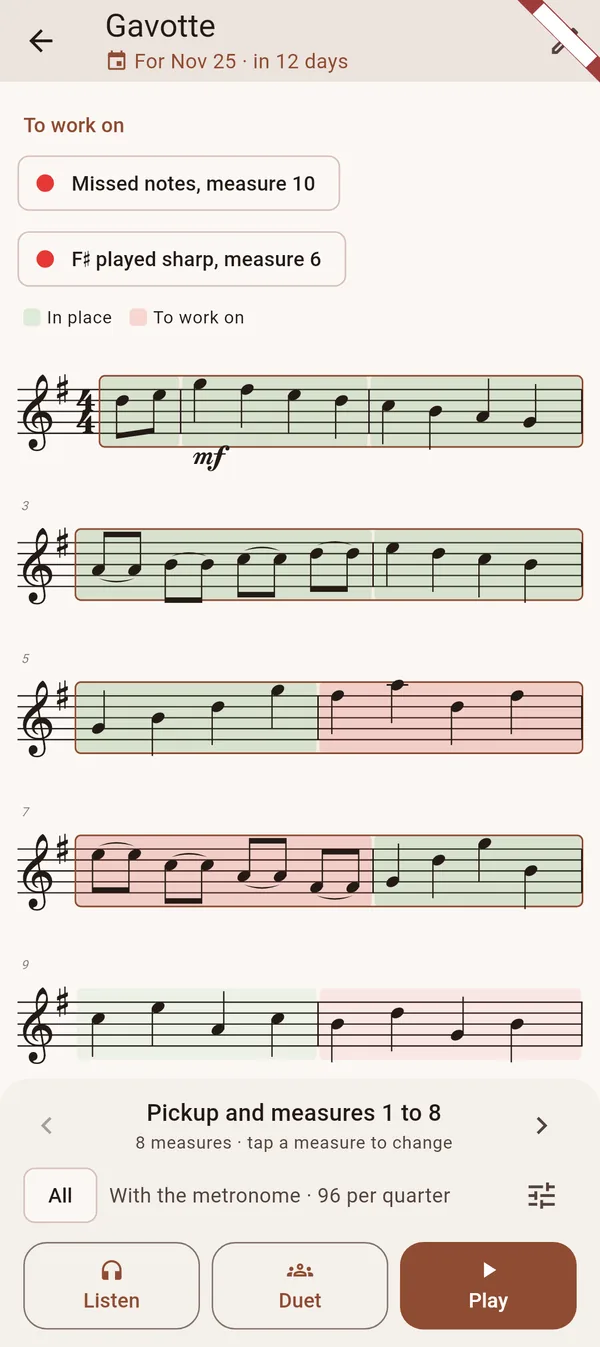
After each pass every bar takes a colour: in place, fragile, or to work on. A difficult passage becomes a short drill, with the bars around it.
A date to prepare
Enter the date of a concert, an exam or a lesson: the days left show under the title, and the piece goes into your daily session until that date.
A large page, and an editor
- Turn the phone sideways: a large page readable from the music stand
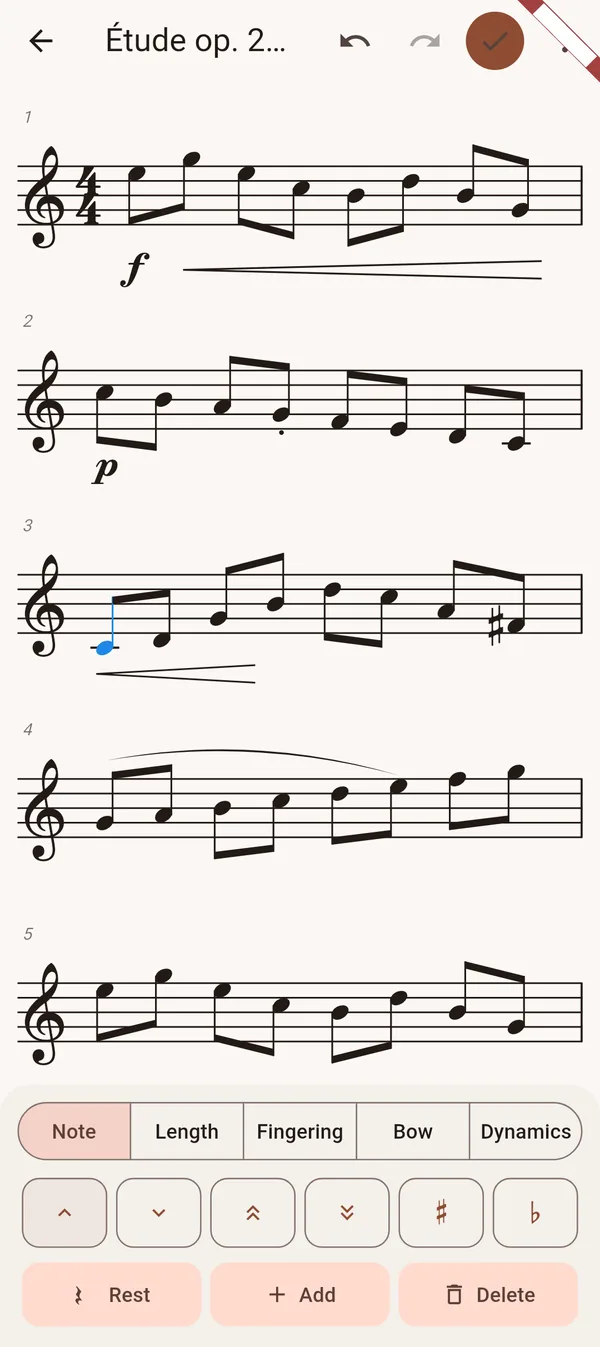
- Change fingerings, notes, lengths, bowings and slurs by touch
- Record yourself and listen back
Read the guide: Violin études in order of difficulty
Questions
Which file formats can I import?
The MusicXML format (.musicxml, .xml or .mxl files), which MuseScore, Finale, Sibelius, Dorico and most notation apps export. A scanned PDF has to be converted first.
Can Avilo play the accompaniment?
It plays the violin line with you in duet mode. Piano accompaniments are not read yet.